
BROCHURES & PRINT LAYOUTS
Brochure PSD Templates for Photoshop
Browse editable Photoshop brochure templates for businesses, services, marketing campaigns, programs and print projects from PSDmarket’s Brochures collection.
Brochure templates to customize
Brochures need more structure than a single-page flyer because the message is spread across panels. A useful PSD template should make it easy to separate the headline, service information, images, contact details and call to action while keeping the folds in mind.
-
Sale!
 Brochures
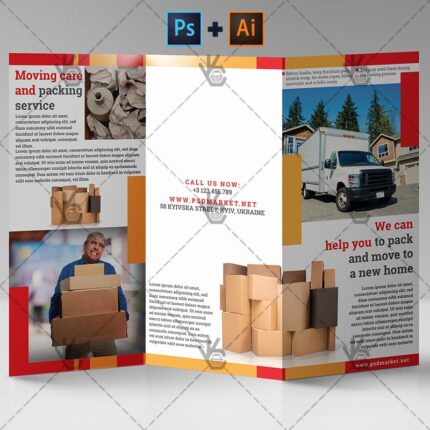
Moving and Packing Service – Premium Tri-fold PSD/AI Brochure Template
Original price was: $5.99.$3.99Current price is: $3.99. Add to cart -
Sale!
 Brochures
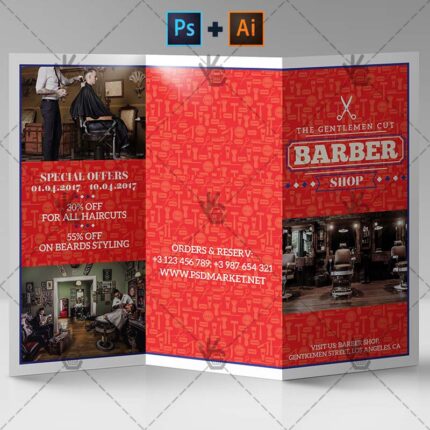
Barber Shop – Premium Tri-fold PSD/AI Brochure Template
Original price was: $5.99.$3.99Current price is: $3.99. Add to cart -
Sale!
 Brochures
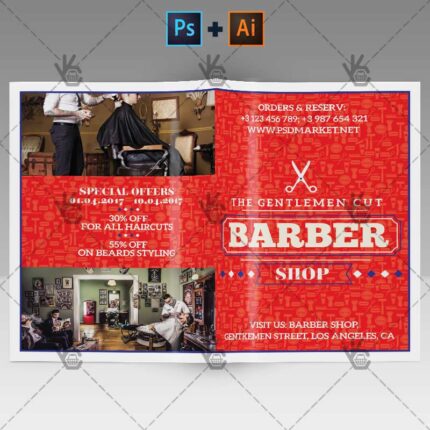
Barber Shop – Premium Bifold Brochure PSD/AI Template
Original price was: $5.99.$3.99Current price is: $3.99. Add to cart -
Sale!
 Brochures
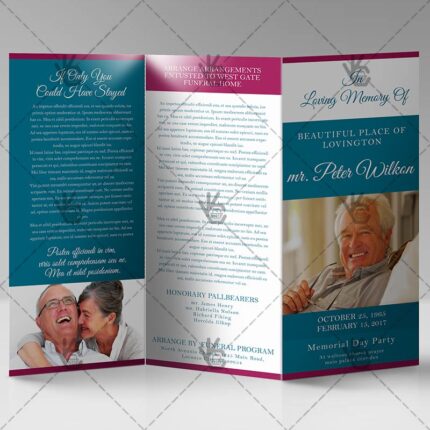
Printable Funeral Program – Premium Tri-Fold Brochure PSD Template
Original price was: $5.99.$3.99Current price is: $3.99. Add to cart -
Sale!
 Brochures
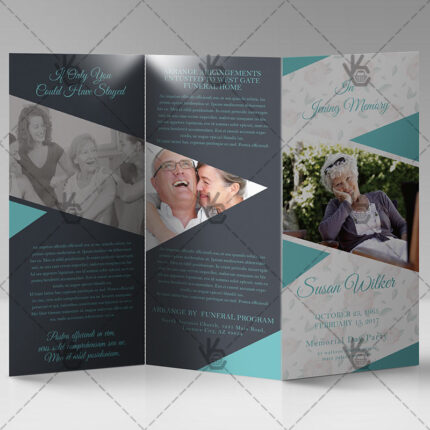
Obituary Program – Premium Tri-Fold Brochure PSD Template
Original price was: $5.99.$3.99Current price is: $3.99. Add to cart -
Sale!
 Brochures
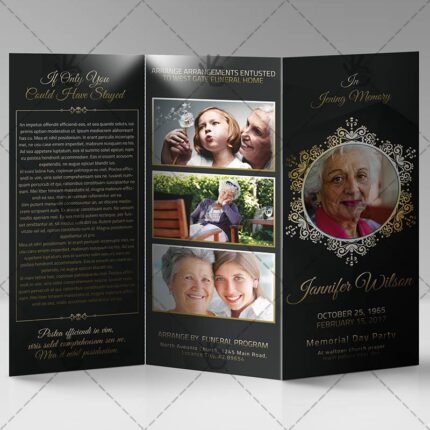
Memorial Program – Premium Tri-Fold Brochure PSD Template
Original price was: $5.99.$3.99Current price is: $3.99. Add to cart -
Sale!
 Brochures
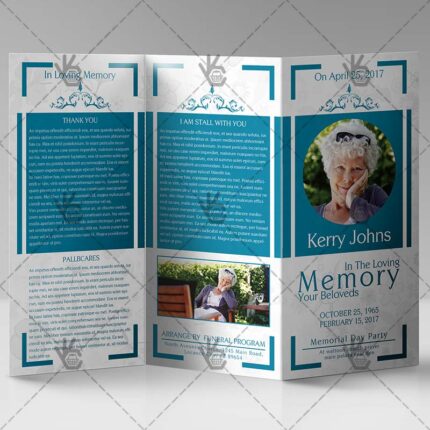
Funeral Program – Premium Tri-Fold Brochure PSD Template
Original price was: $5.99.$3.99Current price is: $3.99. Add to cart -
Sale!
 Brochures
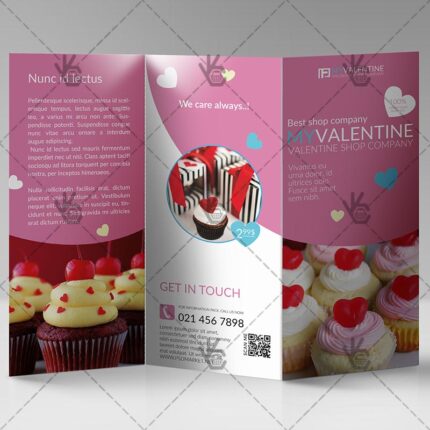
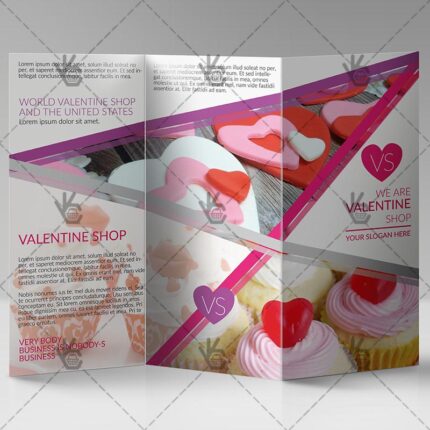
Valentine Shop – Premium Tri-Fold Brochure PSD Template
Original price was: $5.99.$3.99Current price is: $3.99. Add to cart -
Sale!
 Brochures
Romantic Valentine – Premium Tri-Fold Brochure PSD Template
Original price was: $5.99.$3.99Current price is: $3.99. Add to cart -
Sale!
 Brochures
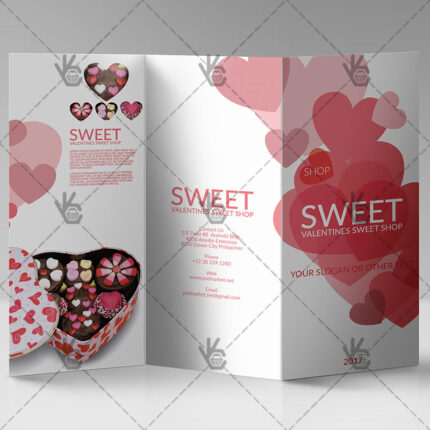
Valentines – Premium Tri-Fold Brochure PSD Template
Original price was: $5.99.$3.99Current price is: $3.99. Add to cart
Choose a brochure by layout and purpose
- Tri-fold brochures: divide the message across six panels and keep the cover focused.
- Bi-fold brochures: use larger sections when the content needs more room for images or service descriptions.
- Business brochures: keep services, benefits, contact details and branding consistent across every panel.
- Programs and memorial layouts: prioritize names, dates, schedules and readable longer-form content.
- Promotional brochures: keep one main action visible even when the document contains several sections.
For related business materials, browse Business Card PSD Templates, Corporate Flyer PSD Templates and the live Brochures collection.
Before sending a brochure to print
- Confirm panel order, fold direction and final page size.
- Replace all demo text, logos and contact details.
- Check image resolution at the final print size.
- Keep important text away from fold and trim areas.
- Review File Requirements and printer specifications before export.
Brochure PSD FAQ
Can I edit brochure text and images in Photoshop?
Yes when the product includes an editable PSD source. Replace the demo copy, photos, logos and contact information using the supplied layers.
What is the difference between bi-fold and tri-fold brochures?
A bi-fold typically creates four panels, while a tri-fold creates six. The exact dimensions and setup depend on the template and printer.
Can I use a brochure template for client work?
Premium templates can be used under the applicable PSDmarket license. Review File Licenses for the current terms.
Browse Brochures
Open the live collection for all current brochure and multi-panel print layouts.