
Description
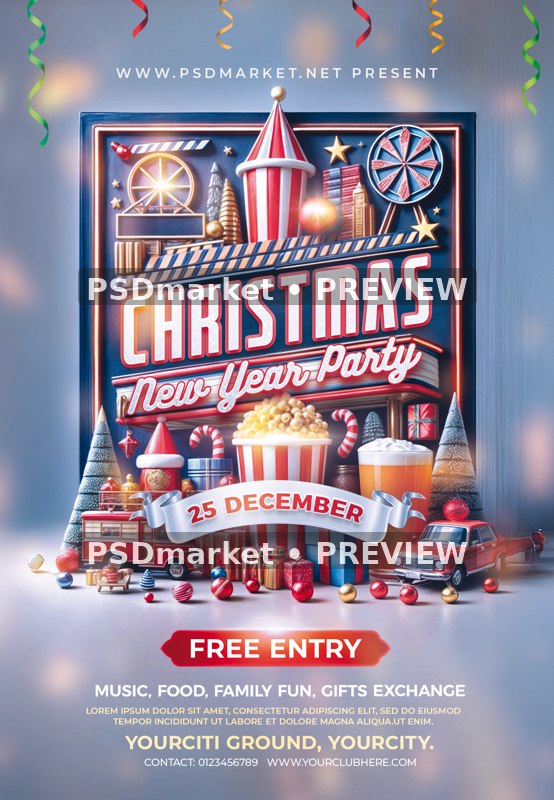
Cinema Marquee Christmas New Year Flyer
A decorative cinema marquee is surrounded by miniature Christmas trees, gifts, popcorn, festive drinks and toy vehicles. Large outlined holiday lettering, script New Year text and a curved date banner sit above editable admission and family-event details.
What is included
- One layered Photoshop PSD, 1350 × 1950 pixels, 300 ppi, 8-bit CMYK.
- 43 layers and groups, including 10 editable text layers.
- One embedded smart object contains the raster scene. Individual people, props and scene objects are not separate editable 3D models or vector illustrations.
- Canvas at the saved resolution: approximately 4.500 × 6.500 inches; confirm final printer trim and bleed requirements.
- Readme TXT included. No font files, extra social-media-size PSD or separate JPEG is supplied.
The preview is a reduced, watermarked version of the actual stored PSD composite. The original ZIP and PSD are unchanged.
Sample dates, years, times, contacts, names, admission amounts and offers are editable source text, not verified current event information. The template purchase price is separate from admission prices shown in the artwork.
The actual canvas settings differ from the generic 1275 × 1875 pixel readme statement. The complete scene is raster artwork inside one embedded smart object.
Active fonts: BitcrusherCdRg-Bold, Bukhari-Script, Montserrat-Bold, Montserrat-ExtraBold, Montserrat-Medium, Montserrat-SemiBold. Font files and licenses are not supplied; review missing-font prompts and obtain the rights required for your intended use.
Christmas and New Year wording coexist with a December 25 sample date; customize the celebration name and date for your intended event. Replace the lorem ipsum paragraph and sample place/contact information.
Fonts and editing
Open the PSD files in Adobe Photoshop and customize the available text layers. Font files are not included; the readme provides font-reference links. Review missing-font prompts and verify each font’s license for your intended use. Proof all content before printing or publishing.
Download and usage
Your purchase provides the original ZIP through the store’s authorized order and account download links. Review File Requirements and License & Usage before ordering.
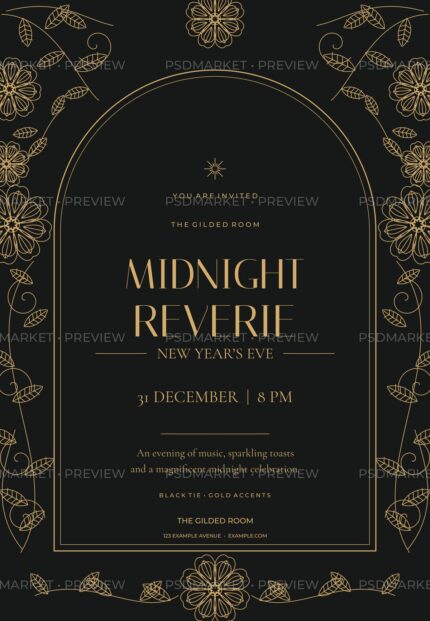


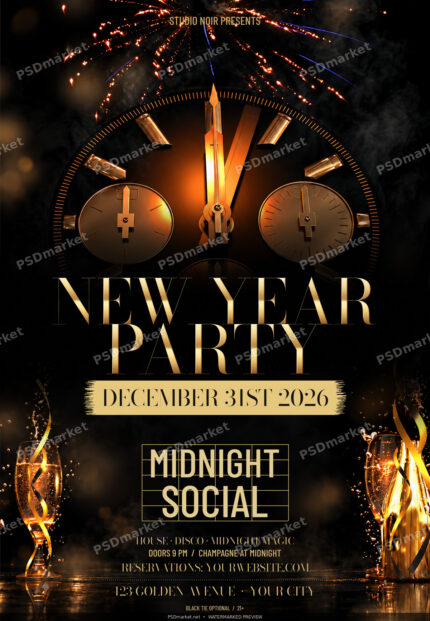
Reviews
There are no reviews yet.